
Stop Trusting a Single Temperature Source: Verified JSON for an AMD Synology NAS
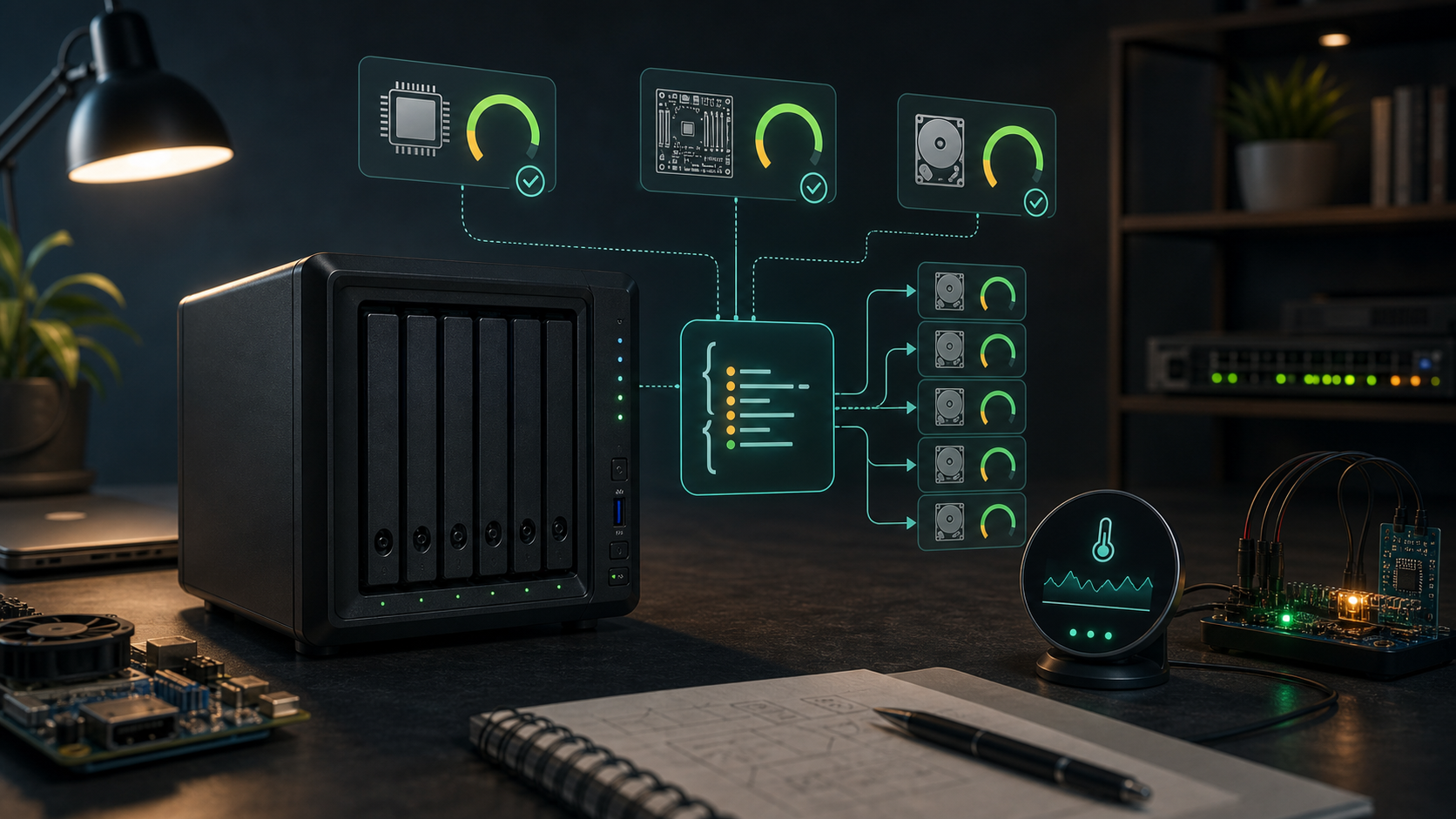
Short version: Monitoring does not end when you read a number. A temperature that has not been checked against a second source is just a number that looks official.
TL;DR
| Problem | My approach |
|---|---|
| Glances misses board temperature | Read system temp from DSM's own synowebapi |
AMD CPU is not Core 0 |
Read k10temp as Tctl, fallback Tdie |
Synology's bundled smartctl is limited |
Force -d sat and parse SMART attributes |
| A pipeline can be self-consistent and wrong | Cross-check each value on every run |
| Downstream devices need a stable contract | Write one flat JSON atomically |
1. Why this small thing became hard
Point: An AMD Synology is not the default target of most temperature tutorials.
I wanted a small desk display for my NAS temperatures: CPU, system, and every disk. It sounded like an afternoon project. Then the platform broke several common assumptions:
| Assumption | Reality on this machine |
|---|---|
smartctl --json works |
The bundled version is old; no JSON, broken scan |
CPU shows up as Core 0 |
AMD k10temp reports Tctl / Tdie |
| Glances sees all sensors | It sees CPU, but not board temp reliably |
| One tool can do everything | Each tool is missing a different piece |
This is not a “find the right command” problem. It is a “compose incomplete sources into one trustworthy contract” problem.
2. Pick the right source per value
Point: Do not force one tool to report everything.
| Value | Source | How |
|---|---|---|
| CPU | Glances REST API | .../api/4/sensors, label Tctl, fallback Tdie |
| System / board | DSM Web API | SYNO.Core.System -> sys_temp |
| Disks | smartctl |
-A -d sat /dev/sataN, attribute 194 or 190 |
The collector does three things:
- Query those sources.
- Normalize to integer Celsius.
- Write one flat JSON document.
If a source is unavailable, the field becomes null. I would rather show missing data than invent a plausible number.
3. Do not trust your own pipeline
Point: The most valuable part is verification, not collection.
Most homelab monitoring is self-consistent: it reads one tool and plots that tool's answer. Self-consistent is not the same as correct.
So the project includes verify.py, which checks the endpoint against independent sources every run:
| Field | Endpoint source | Independent check |
|---|---|---|
| CPU | Glances | Direct sysfs read from k10temp |
| System | JSON output | DSM synowebapi sys_temp |
| Disks | smartctl |
DSM Storage Manager |
It allows a 3°C tolerance for sampling delay and exits non-zero on mismatch.
The point is not “I can read it.” The point is “I can prove I did not read it wrong.”
4. One small JSON for every downstream client
Point: The simpler the downstream client, the more stable the contract needs to be.
{
  "ts": 1750900000,
  "unit": "C",
  "model": "DS1525+",
  "cpu": 53,
  "cpu_label": "Tctl",
  "system": 41,
  "disks": [
    { "name": "sata1", "temp": 38 }
  ]
}
The daemon refreshes every 30 seconds and writes atomically: temp file first, then mv. That keeps ESP32 clients and the browser dashboard from ever reading a half-written file.
5. Pits and fixes
| Pit | Cause | Fix |
|---|---|---|
| Script killed itself | BusyBox lacks pgrep; pkill -f matched the launcher |
Track a PID file and kill by PID |
| Empty CPU sensors in Docker | Container could not see host sensors | Add pid: host for Glances |
scp failed on DSM |
Synology lacks the modern SFTP subsystem used by default | Use scp -O |
| Disk temps were missing | Device type was not explicit | Use smartctl -A -d sat /dev/sataN |
6. Trade-offs
- It is tuned to one AMD Synology model; disk slots,
Tctl, andhwmonpaths are assumptions. - It reports temperatures only; throughput, fans, UPS, and capacity are future work.
- The endpoint belongs on the LAN. Do not port-forward it or expose it publicly.
- The physical M5Dial firmware is still evolving; the JSON contract is the stable part.
7. Checklist
- List the trusted source for every value.
- Do not force one tool to read everything.
- Find a second source for each value.
- Use
nullfor missing data; do not fabricate numbers. - Write JSON atomically.
- Use
tsto detect stale data downstream. - Keep the endpoint internal.
8. Final thought
This project is not really about displaying temperatures. It is about this question:
If a number influences your judgment, can you prove it deserves trust?
On a platform where sensors are scattered across half-working tools, this gives me one endpoint I can explain, verify, and feed into a desk display.
→ github.com/byzosc/nas-monitoring
If it saved you an afternoon of fighting smartctl, a star means a lot.