
AI ChatHub: a Multi-AI Side-Panel Extension That Hedges API vs. Tab-Orchestration
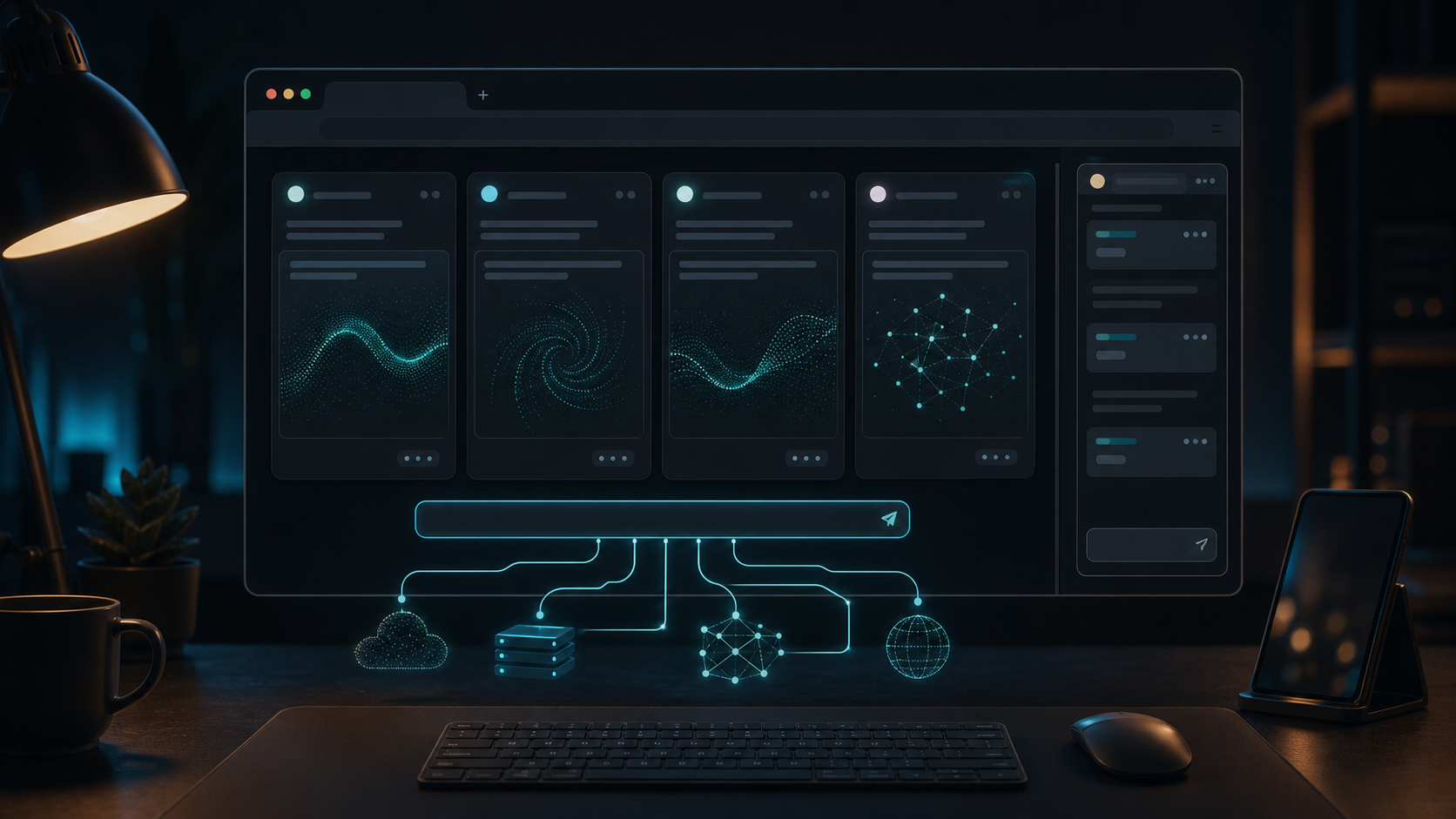
This is a build write-up of a skeleton project I've since paused. I'm publishing it for the architecture decisions, which I think are the interesting part — including one path I implemented and then deliberately made optional. See the honest caveats at the end.
Intro
I wanted a browser side panel where I type one prompt and several AIs answer it side by side, each in its own pane. Easy to picture; the interesting question is how each pane talks to its model. I ended up building two completely different engines into the same extension — and the reason why is the whole story.
The stack: a Manifest V3 extension built with WXT + React 19 + TypeScript + Tailwind. A side panel with N panes and one input box at the bottom; hit send and it broadcasts to every pane.
1. Two engines, on purpose
Each pane can run in one of two modes, and you can even mix them — one pane on the API, another on a logged-in web tab:
- API mode (the default): POST to an OpenAI-compatible
/chat/completionswithstream: true, render tokens as they arrive. Clean, fast, truly streaming. The cost: you need an API key, and you pay per token. - webtab mode: open (or reuse) your already-logged-in ChatGPT / Claude / Gemini tab, inject the prompt into its input box, and read the answer back out of the DOM. The upside: it rides your existing subscription, no API key. The cost: it's fragile, it can't stream token-by-token (it returns the whole reply at once), and — being browser automation of someone else's site — it's against their terms.
Neither alone is satisfying, which is exactly why both exist. API mode is the dependable default; webtab is the "use what you're already paying for" escape hatch, kept behind a setting.
2. The MV3 lesson: avoid the Service Worker for long work
Manifest V3 wants your background logic in a Service Worker. But a Service Worker can be recycled mid-task by the browser — and an AI generation is exactly the kind of long-running task that gets killed halfway.
So the background script here does precisely one thing: tell Chrome to open the side panel when you click the toolbar icon. That's it. All the orchestration lives in the side panel page, which stays alive as long as the panel is open. The panel itself calls tabs.query / tabs.create and messages content scripts directly. Fighting the platform's lifecycle is a losing game; the fix was to stop putting durable work where the platform feels free to evict it.
Permissions stay deliberately small: sidePanel, storage, tabs, scripting, plus a short host allowlist.
3. The parts worth keeping
A few pieces I'd reuse in any similar project:
- One input, N independent contexts. The broadcast function appends that pane's own history before each send, so follow-up questions keep each column on its own thread. Token/done/error events are dispatched by pane index.
- A 27-line SSE parser. No SDK — just
ReadableStream+TextDecoder({ stream: true }), splitting on newlines, handling chunks that get cut mid-line, and swallowing non-JSON heartbeats. Because it only assumes OpenAI-compatible SSE, any such endpoint drops in. - Injection that survives React. Writing into a controlled React input by setting
.valuedoesn't work — the framework ignores it. You have to use the prototype's value setter and dispatch a realinputevent; for a contenteditable like ChatGPT's ProseMirror, useexecCommand('insertText'), and if that fails, synthesize a paste event. Three fallbacks, because every site's editor is different. - Knowing when it's done. For a streaming web UI, completion is detected in two layers: wait for the stop button to appear and then disappear, then confirm the reply text hasn't changed for ~1 second. Either signal alone is unreliable.
4. The honest part (and how it relates to "scraping is dead")
I've written before that aggregating AIs by scraping their web pages is a dead end. This project is the first-hand evidence: webtab mode is that dead path, implemented for real. Living inside the code, the fragility is concrete:
- The DOM selectors are, by the project's own note, "extremely prone to breaking on site redesigns — the main long-term maintenance burden." Only the ChatGPT selectors are actually tested; Claude and Gemini are placeholders.
- It's browser automation of a logged-in session, which violates those services' terms and can break or get your account flagged at any time.
So I didn't bet on it. The default is API mode; webtab is an opt-in escape hatch with a warning in the README. That's the difference between this post and the earlier one: that post drew the conclusion ("scraping is dead, move to APIs"); this is the exhibit — I built the dead path, and the code itself hedges against it.
5. Honest trade-offs
- It's a skeleton, and paused. It works end to end in API mode, but it's not a finished product.
- No icons or store assets yet — the build warns about it; that's a pre-publish chore.
- webtab has no token streaming, only ChatGPT is verified, and it's ToS-risky by nature.
- Claude's native API isn't wired up — API mode speaks OpenAI-compatible, so Claude would need its own provider.
The keeper isn't the product; it's the shape: two interchangeable engines behind one interface, orchestration kept out of the Service Worker, and a scraping path that the architecture treats as the liability it is.